Lorem++ API; Zola; Symbols
I’m taking full advantage of the weekend being long to slide a Bonus Drop in place of a regular one (though there’s not much difference between this particular one and the regular weekday ones).
To celebrate Labor Day in the U.S. we’ve got three resources that will help reduce labor in some way so you can use the reclaimed time for more human activities.
TL;DR
(This is an LLM/GPT-generated summary of today’s Drop using SmolLM3-3B-8bit via MLX and a custom prompt.)
The extra links really confused the model, so I had to add the actual resource links manually to the first two bullets.
- Lorem API (https://lorem-api.com/) provides object and text generation APIs, supports multiple output formats, seeded generation, and customizable parameters, with an example site at https://rud.is/ex/lorem/.
- Zola (https://www.getzola.org/) is a fast, no-setup static site generator using TOML and Tera templates, enabling lightning-fast builds and built-in features like syntax highlighting and search, with a preview at https://rud.is/ex/zola/.
- Symbols offers a quick symbol lookup tool with a vanilla JavaScript implementation, allowing one-click access to symbols, as seen in the https://symbol.wtf/ site.
Lorem++ API
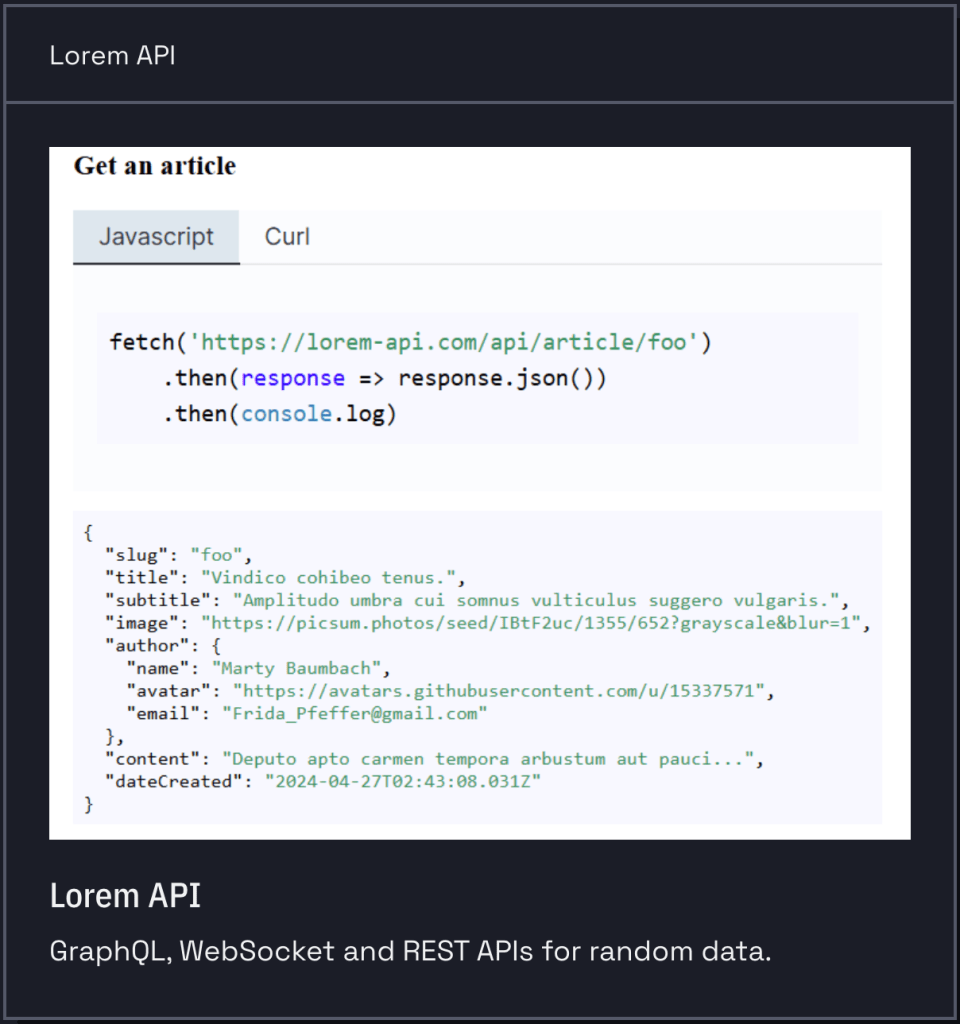
We’ve covered a few Lorem Ipsum generators in the Drops but this one (GL) comes with more than just mangled Latin, and includes source code if you want to run it on your own! Here’s what’s on the menu…
Object APIs:
- GET /api/article/{slug} – Get a specific article with title, subtitle, content, author details, and metadata
- Supports format parameter (e.g.,
?format=yaml)
- Supports format parameter (e.g.,
- GET /api/user/{id} – Get a user with specific ID, returns name, email, and avatar
- POST /api/jwt – Generate JWT tokens with custom payload and expiration settings
- Accepts parameters:
iat,ttl,secret - Request body can include username, password, role, etc.
- Accepts parameters:
Text Generation APIs:
- GET /api/lorem – Generate random lorem ipsum text
- Parameters:
paragraphs(number of paragraphs),seed(for consistent results)
- Parameters:
Number Generation APIs:v
- GET /api/number – Generate random numbers
- Parameters:
length(number of random numbers to generate) - Returns array of decimal numbers between 0 and 1
- Parameters:
The Lorem API includes several additional helpful features. It supports multiple output formats including JSON, YAML, and plain text, letting us choose the format that best fits our project needs. The API also offers seeded generation capabilities, so we can get reproducible results across multiple requests. Additionally, most endpoints accept optional parameters for customization, providing fine-grained control over the generated data to match specific testing and prototyping requirements.
You can see use of the lorem bits in action at this example site I was hacking on to practice Apline.js + Web Awesome integrations.
Zola
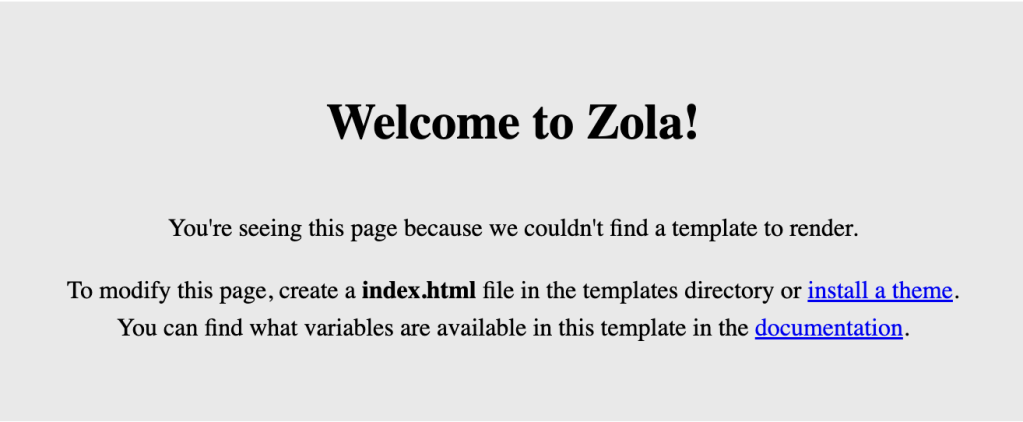
OK, learning a whole new static site generator idiom may not seem like you’ll be saving any labor, but hear me out, first!
Zola (GH) is a Rust-based tool that turns your blog posts (written in simple Markdown files) into a complete, lightning-fast website. It’s stupid fast, and can build your entire site in under a second! It comes with zero hassle, as you just need to download one file with no additional fancy setup. And, everything is included — syntax highlighting, search, and themes are all built-in.
Unlike most other systems that stick with icky YAML frontmatter, Zola content files use TOML front matter, and use Tera templates, which are similar to Jinja2/Django.
$ zola init myblog
Welcome to Zola!
Please answer a few questions to get started quickly.
Any choices made can be changed by modifying the `config.toml` file later.
> What is the URL of your site? (https://example.com): https://rud.is/ex/zola
> Do you want to enable Sass compilation? [Y/n]: n
> Do you want to enable syntax highlighting? [y/N]: y
> Do you want to build a search index of the content? [y/N]: y

$ cd myblog
$ zola serve # Preview at localhost:1111
Building site...
Checking all internal links with anchors.
> Successfully checked 0 internal link(s) with anchors.
-> Creating 0 pages (0 orphan) and 0 sections
Done in 9ms.

Web server is available at http://127.0.0.1:1111 (bound to 127.0.0.1:1111)

Listening for changes in ~/projects/zola/myblog/{config.toml,content,static,templates}
Press Ctrl+C to stop

$ zola build
zola build
Building site...
Checking all internal links with anchors.
> Successfully checked 0 internal link(s) with anchors.
-> Creating 0 pages (0 orphan) and 0 sections
Done in 6ms.
You can see that default site here.
It’s perfect for personal blogs, documentation sites, “portfolio” websites, or any site where speed matters (and especially if you detest YAML as much as I do).
Symbols
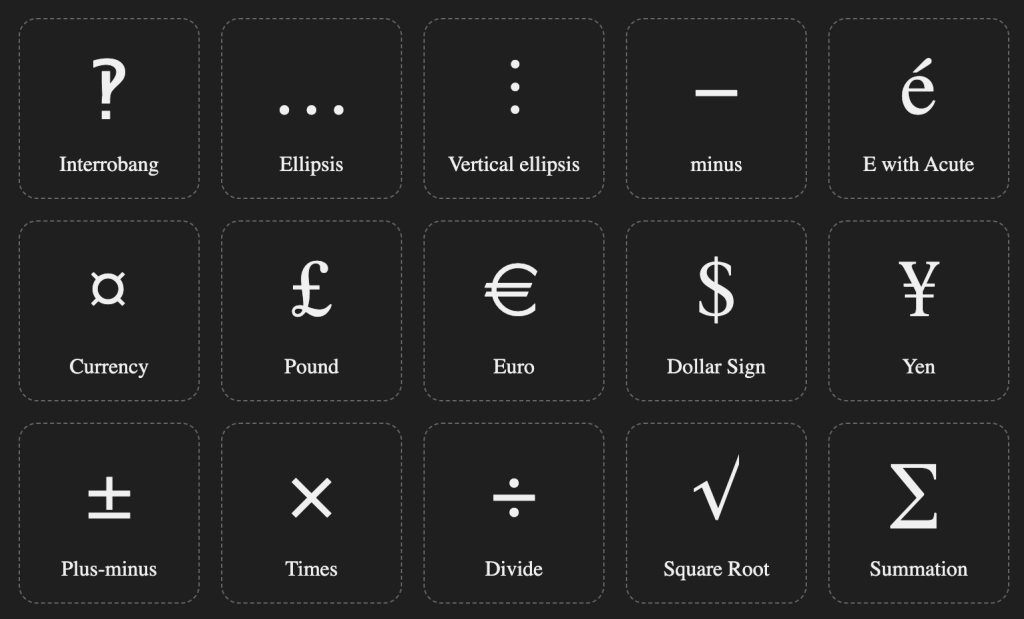
This one is quick, and handy for folks who hate Apple’s macOS emoji picker as much as I do (even in the macOS 26 betas the search function is still not “intelligent”).
Symbols is a single-mission-focused site which lets you quickly see (or seach) for a symbol, then get easy access to using it (one click). The javascript that backs it is highly readable, and vanilla flavored, so it is something to keep in your snippets drawer as well.
This makes quick work of getting to a symbol when you need it.
FIN
Remember, you can follow and interact with the full text of The Daily Drop’s free posts on:
- 🐘 Mastodon via
@dailydrop.hrbrmstr.dev@dailydrop.hrbrmstr.dev - 🦋 Bluesky via
https://bsky.app/profile/dailydrop.hrbrmstr.dev.web.brid.gy
☮️
 hrbrmstr's Daily Drop
Leave a comment