Shell 101; Grid/Flex 101; Regex 101
Spent Friday helping out $SPOUSE and touching grass, and wekeend is catching up on some outdoor work that was impossible during last week’s heat dome, so we’ll focus on fundamentals in the Bonus Drop, with some quick-yet-helpful reads even for the most seasoned tech folk.
The TL;DR attempts all failed fairly miserably since each section has 2-3 resources, so no TL;DR.
Shell 101

Whether you’re a shell newcomer, a seasoned scripter, or someone who practically dreams in awk, it’s always worth circling back to fundamentals and sharpening your command-line skills. Even the most hardcore shell mavens will uncover new tricks (or get a solid refresher) from these highly readable posts. Each one distills core shell concepts without the fluff.
- Enough unix to get by: A succinct dive into just enough Unix commands and patterns to get real work done. Ideal for brushing up or filling gaps you never realized you had.
- Input/Output Redirection in the Shell: Master the essential, subtle art of piping, redirecting, and juggling files and streams—from beginner to less-obvious edge cases.
- Optimize your shell experience: Practical tweaks and habits for a smoother, faster, less-frustrating daily command-line workflow. Because “good enough” is never enough.
Matheus had me at the history|awk hack, and there are great/useful nuggets in all three posts.
Grid/Flex 101

If you catch my posts on social media you may have seen me talk about:
As noted in a recent Drop, Kagi is trying to stop us from doomscrolling news with their Kite project. They let folks use the JSON for free (non-commercial w/attribution), so this + heat domes meant I had something useful to finally learn modern CSS grid/flex (at least have the basics down pat). They are the de-facto ways to build responsive, modern web layouts.
I learn best by doing and interacting, so I’m showcasing two more resources by Josh Comeau (we covered his CSS shadows post a while ago).
“An Interactive Guide to Flexbox in CSS” is hands-down the clearest explanation of how Flexbox actually works. Instead of memorizing properties, you’ll understand why items behave the way they do. The live demos let us tweak values and see instant results, and I guarantee at least one “aha!” moment (like when justify-content vs align-items finally clicked for me).
“An Interactive Guide to CSS Grid” is also the perfect follow-up that shows why Grid excels at two-dimensional layouts. You’ll finally understand tracks, grid areas, and why Grid makes “Holy Grail” layouts trivial. No more guessing, as you’ll see (live) exactly how the grid system works.
You’ll get the most out of both resources if you pay with everything. Don’t just read! Drag those sliders and watch what happens. The visual feedback is where the real learning happens.
I think it’s also helpful to focus on the mental models. Josh uses great analogies (like the kebab vs hotdog metaphor for Flexbox direction) that stick with you when you’re coding later.
And, be greedy! Grab the code snippets! Both guides include practical, copy-paste examples you can use in real projects right away.
Once you work through these guides, you’ll stop fighting CSS layouts and start enjoying them (OK, perhaps “tolerating” is a better word). No more internet searches for basic positioning. You’ll just know what tool to reach for.
Regex 101
I use far too many programming languates in a given day/week. Lately, the subtle differences in how different languages work with regular expresseions has been quite the thorn in my side. These powerful pattern-matching tools that help us find, match, and manipulate text are only useful if we remember the arcane syntax properly, along with what is or is not supported in a given environment.
“RegexOne — Learn Regular Expressions” offers spiffy interactive tutorials that walks you through regex concepts step by step. You’ll start with simple patterns and gradually work your way up to more complex expressions, all while practicing with real examples. The lessons are bite-sized and include immediate feedback, making it easy to learn at your own pace.
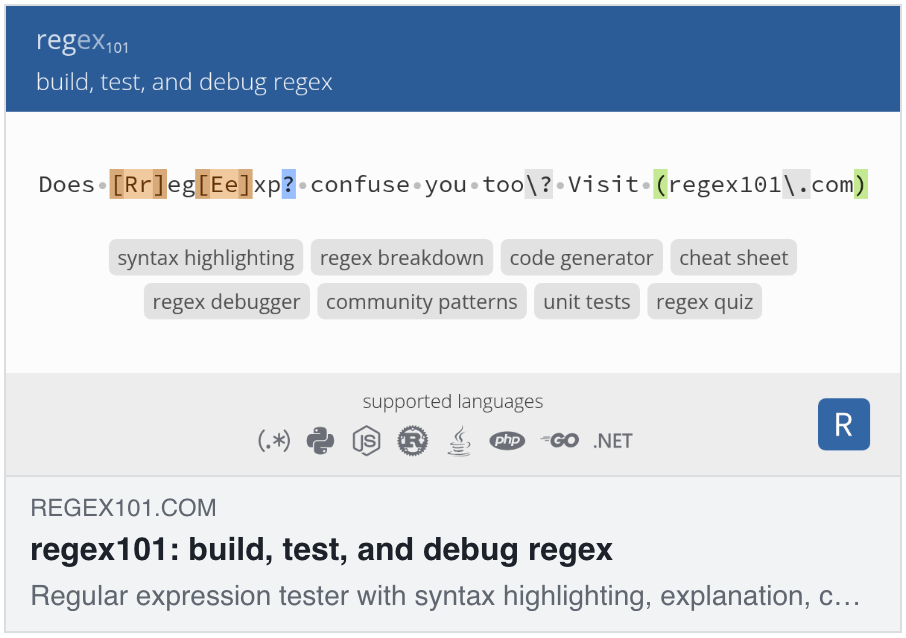
Once you’ve grasped (or already grok) the basics, regex101: build, test, and debug regex becomes an invaluable tool for building and testing your own patterns. This online regex tester lets you write expressions, test them against sample text, and see exactly what matches in real time. It also provides helpful explanations of what each part of your regex does, making it perfect for both learning and debugging. You can experiment with different regex flavors and save your patterns for later use.
And, if you don’t mind even more horror than is already present with regex-laden code, you might be interested in seeing if you can survive “Slash- the RegEx learning game” by Robin Lord. It’s a text adventure, but not for the fait of heart.
FIN
Remember, you can follow and interact with the full text of The Daily Drop’s free posts on:
- 🐘 Mastodon via
@dailydrop.hrbrmstr.dev@dailydrop.hrbrmstr.dev - 🦋 Bluesky via
https://bsky.app/profile/dailydrop.hrbrmstr.dev.web.brid.gy
☮️
 hrbrmstr's Daily Drop
Leave a comment