MarkItDown In Your Browser; Awesome Homelab; Beauty.Codes
HTML.ZONE is a website that offers a cornucopia of items designed to act as sort of “hub” for various web tools that cater to both casual users and more hardcore tech enthusiasts. Drops, this year, will be sprinkled with various sections of this kitchy corner of the internet; but, today, we’re pulling three resources from the zone that should be fun for all.
TL;DR
(This is an AI-generated summary of today’s Drop using Ollama + llama 3.2 and a custom prompt.)
- Browser-based MarkItDown tool converts various file types to Markdown format using Pyodide, offering client-side conversion without data leaving your system (https://www.html.zone/markitdown/)
- Awesome Homelab website provides a comprehensive directory of open-source applications and resources for home server experimentation (https://www.awesome-homelab.com/)
- Beauty.Codes enables creation of customizable code screenshots with extensive theme options and snippet management capabilities (https://beauty.codes/)
MarkItDown In Your Browser
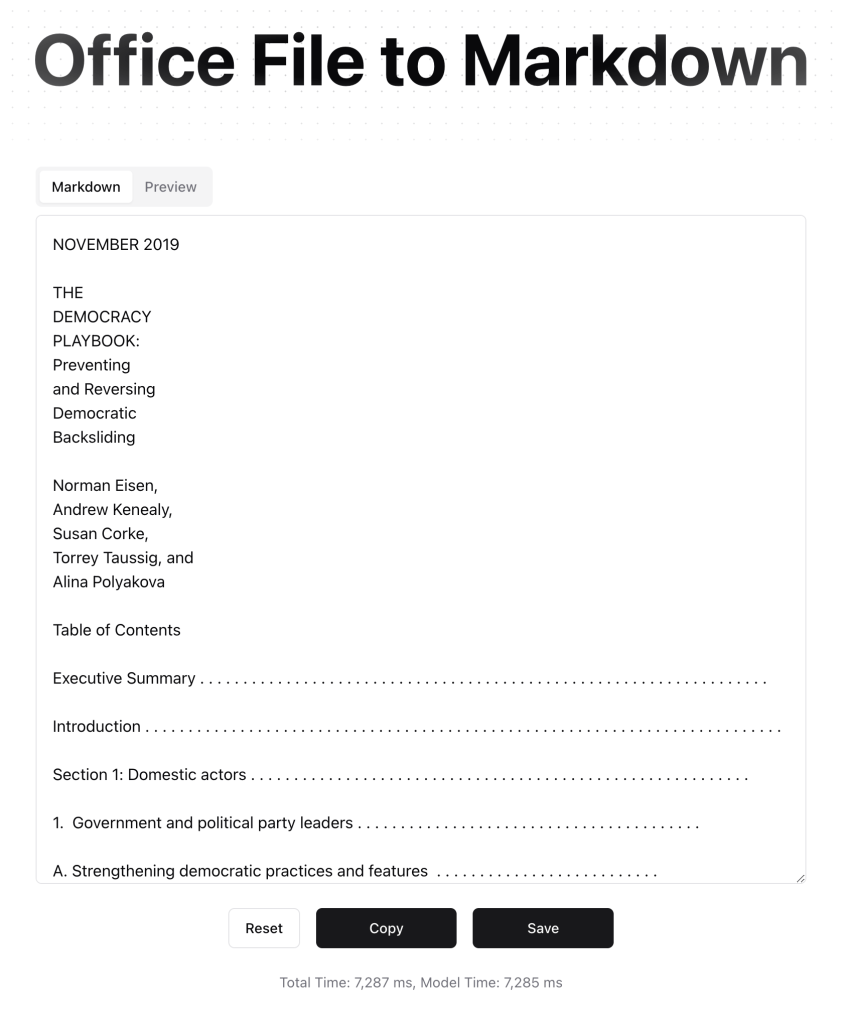
We recently covered MarkItDown — a Python utility by Microsoft, converts various file types to Markdown format, and the tool has been super well-received (it does a good job!); so, rest assured that this is not an errant duplicate of that coverage.
I 💙 it when folks discover some new tech, get excited by it, then do something awesome with it. This recent post on discovering Pyodide is a short read, but it provides the back story to this well-crafted online tool that uses Pyodide to make MarkItDown available in your browser. That’s right: you can convert all the things just by dragging or selecting a file from that client-side only web app. No data leaves your system, and you don’t need to pollute your machine with icky Python detritus just to convert a doc or three.
The initial Pyodide bootstrapping notwithstanding, it made quick work (7,287 ms) out of this PDF, and subsequent conversion do not require re-bootstrapping Pyodide.
Awesome Homelab
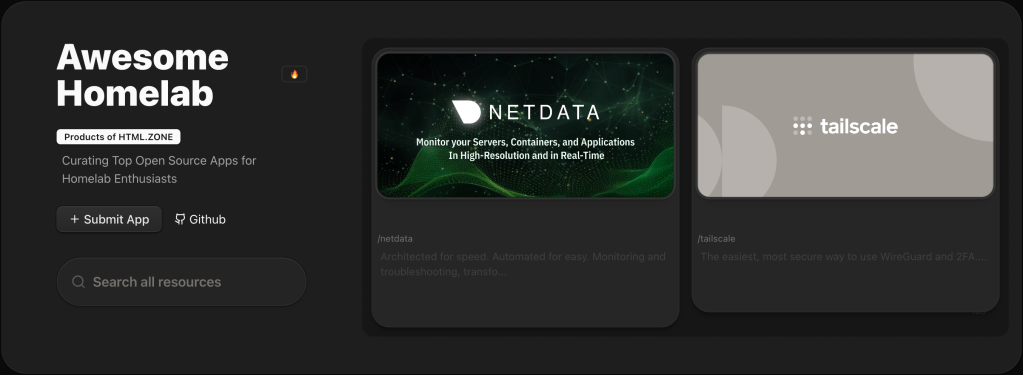
Every Drop reader likely knows this, but we’re a “no assumptions” outfit, so let’s begin this section by defining a “homelab” as a personal setup where individuals experiment with computer systems, networks, and software from their homes. It’s a tried-and-true hands-on way to learn about technology and get some experience building and managing servers, networks, and applications.
The website “Awesome Homelab” (GH/GH) serves as a curated directory of a plethora (I guess that’s my subconscious word for the week since I’ve used it in almost every Drop) of pretty cool and useful open-source applications tailored for homelab hackers. It has info and links on everything you can imagine, including resources on building and optimizing home servers, and tools, guides, applications and more. Whether you’re a beginner or an expert, the site categorizes resources to help you find the right tools for your needs. 
One of the linked GitHub repository complements the website by hosting the source code and documentation for the curated list of applications. And community contributions are welcome, so you can help ensure it stays up-to-date with the latest tools and technologies. The other repo focuses on the web interface of the Awesome Homelab project. It’s a complete “full stack” nextjs + shadcn + supabase template.
Beauty.Codes

Beauty.Codes is a web-based tool that lets us create visually appealing screenshots of code. The site offers various customization options, including different themes, fonts, and background styles so we can tailor the appearance of our code to match any personal preference or project aesthetics (it has a bonkers number of themes, fonts, and background styles).
One differentiator of Beauty.Codes from, say Ray.so (the one I’ve been using more recently) is a big emphasis on snippet management. Unlike some tools that focus solely on image creation, this site also helps you organize and manage code snippets. You can sign in with GitHub, create various “projects”, and create your own “presets” to help make quick work of future snippet captures (it also ships with a ton of built-in presets). A nice extra feature is the ability to use the browser APIs that let sites enumerate local fonts, so you can go beyond the site’s built-in monospaced web fonts.
One more is the ability to export the snippets as SVG (along with PNG/JPG):

Like all the other components of HTML.ZONE, it’s coded well and provides a handy tool completely free.
FIN
Remember, you can follow and interact with the full text of The Daily Drop’s free posts on:
- 🐘 Mastodon via
@dailydrop.hrbrmstr.dev@dailydrop.hrbrmstr.dev - 🦋 Bluesky via
https://bsky.app/profile/dailydrop.hrbrmstr.dev.web.brid.gy
Also, refer to:
to see how to access a regularly updated database of all the Drops with extracted links, and full-text search capability. ☮️
 hrbrmstr's Daily Drop
Leave a comment