Killing (Some) “AI Slop” with Shannon Entropy; Gitingest; S3Shells By the S3Shore
Late and succinct Drop, hence no TL;DR today.
Killing (Some) “AI Slop” with Shannon Entropy

I’m about to start another side project, modestly-aligned to $WORK (so I get to use work time vs. pesonal time, which means no impact to the Drop), about “AI” in cybersecurity. I’m deliberately keeping that off of my main blog (because I keep trying to convert it off of WordPress which won’t happen if I keep posting to it) and here (because I know how a large percentage of you feel about “AI”).
While that project will not be all “AI fanboi”, it will speak practically about it.
I still hate it, the folks behind it, the folks pushing it on everyone, the disruption it will cause, and all the uncountable harms from it, so we’ll still use this place to keep “AI” from getting a big head.
LLMs are trained to be polite, which means they often inject apologies and pleasantries even when instructed otherwise, and it turns out that prompt engineering alone canot fully override the politeness baked into model weights.
The fix, for a very particular use-case, can be fairly straightforward. Steer Labs decided to try and run a Shannon entropy check on responses before passing them downstream. Entropy measures character diversity, so higher entropy means varied, content-rich text and lower entropy means repetitive filler.
The implementation turns out to be easy enough to slide into a git workflow (where this is being used). First, count character frequencies, then compute the log₂ probability sum. Next, compare it against a threshold (~3.5 bits/char), and anything below gets blocked and triggers a retry. The whole thing runs in microseconds with zero external dependencies.
It’s a well-honed short post with a link to the full implementation.`
Gitingest
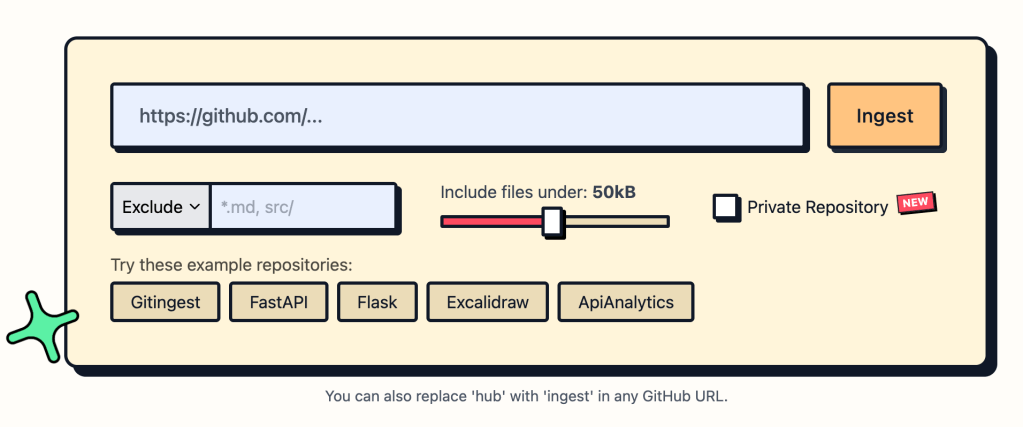
Even with all its quirks I do like markdown and store lots of it in Joplin. I have a quick workflow for single HTML page-to-markdown (just needs a URL) but I am having increasing need to get as much info from git repos into a single Joplin doc (for one thing, that makes it easier to search).
Gitingest turns any public or private Git repository into a single, text digest. They made it for LLMs, but it works great for notebooks, too. The tool clones a repo, strips out binary data, and emits three clearly delimited sections: (1) a short summary with repository name, file count and an estimated token count; (2) a tree‑style directory listing; and (3) the full contents of each file, wrapped in “FILE: …” banners. You can also configure it to skip files based on a light set of rules.
The web version is stupid easy to use, but local installation is fairly painless as well. For scripts and CI pipelines the recommended route is a their installed via pipx (pipx install gitingest) or plain pip. I, however, prefer uvx gitingest. For programmatic use, I suggest using uv and add the package to a virtual environment.
The package also offers optional extras for server‑side deployment (gitingest[server]) and development (gitingest[dev,server]). After installing, a quick sanity check (gitingest --version or python -c "from gitingest import ingest" ) confirms everything works, and a one‑line test (gitingest https://github.com/octocat/Hello-World -o test.txt) produces a sample digest.
Yes, you can use it in “AI” workflows, but content was meant for humans, so store away in your fave markdown-based note-taking engine!
S3Shells By the S3Shore
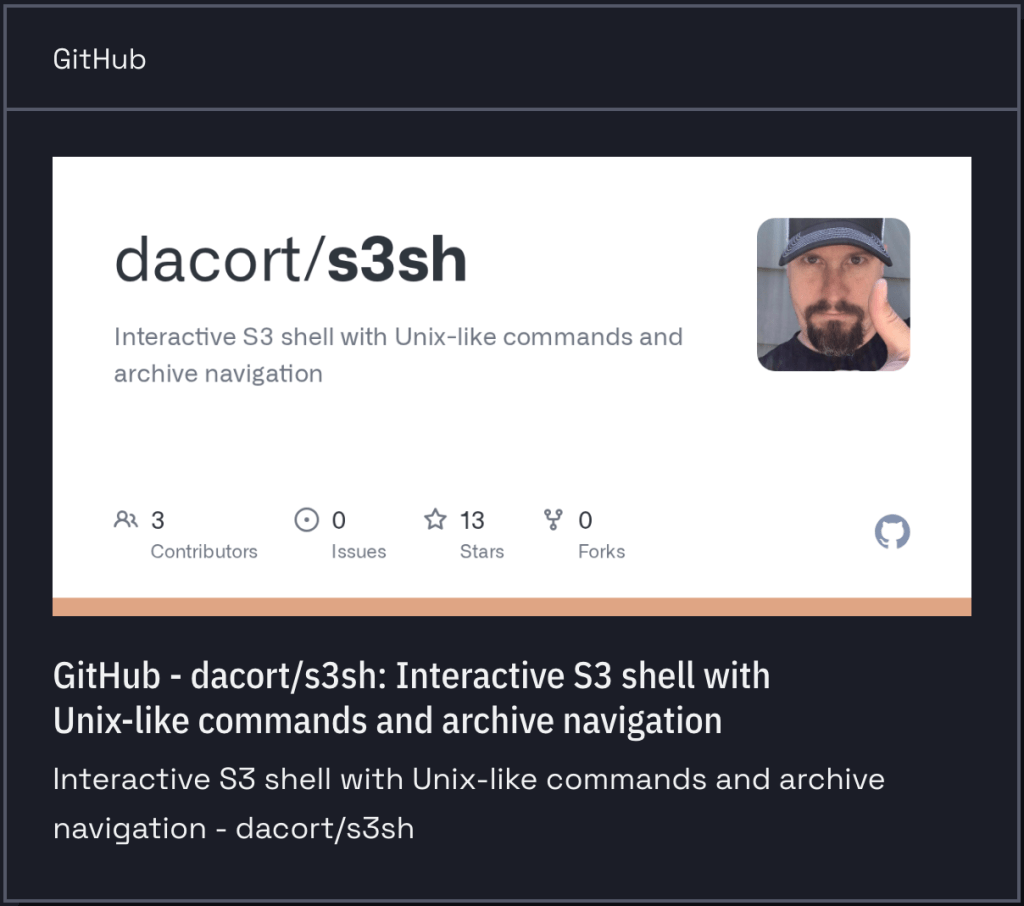
An old mate whom I first met IRL in Seattle after connecting via Twitter (when it wasnt’ a hellscape) does lots of super cool stuff on-the-regular and one of his latest projects is s3sh. It lets you work with S3‑compatible storage the way you work with a local filesystem. Instead of remembering special API calls, you can navigate buckets and prefixes with cd and list their contents with ls. The shell understands archive formats such as tar, tar.gz, tar.bz2, zip, and parquet, so you can cd straight into an archive and explore its files without ever downloading the whole object. This makes it especially handy for large datasets that are stored as compressed bundles.
The tool is also built for flexibility. It can talk to any S3‑compatible endpoint, which means you can use it with Amazon S3, iDrive, the Source Cooperative public geospatial data store, or any private S3‑compatible service. Because it streams data using S3 range requests, only the portions of a file that you actually need are transferred, keeping bandwidth usage low.
The interactive shell also offers familiar command‑line niceties—history, line editing, and auto‑completion—thanks to the rustyline library, so you can work efficiently without leaving the terminal.
It’s a quick install:
# Basic installation (includes tar and zip support)cargo install s3sh
but if you need more features, grab the repo and build it locally with them enabled.
It pairs nicely with s3grep, another tool by Damon that is for searching logs and unstructured content in S3-compatible buckets.
FIN
Remember, you can follow and interact with the full text of The Daily Drop’s free posts on:
- Mastodon via
@dailydrop.hrbrmstr.dev@dailydrop.hrbrmstr.dev - Bluesky via
<https://bsky.app/profile/dailydrop.hrbrmstr.dev.web.brid.gy>
 hrbrmstr's Daily Drop
Leave a comment