vim 9.2; fresh; Setting Up Zed
ANOTHER THEME’D DROP!
The third section is light due to the tome-like nature of the first two sections. But, we’re talking about NEW VIM drop this past weekend and me finally getting around to kicking the tyres on Fresh.
TL;DR
(This is an LLM/GPT-generated summary of today’s Drop. Ollama and MiniMax M2.1.)
- Vim 9.2 introduces practical improvements including enums, generic functions, and tuples for Vim9 scripting, enhanced class support, fuzzy matching for insert-mode completion, and modernized defaults like increased history to 200 and backspace working properly (https://vimhelp.org/version9.txt.html)
- Fresh is a Rust-built terminal editor that uses standard keybindings and avoids modal editing, offering tmux-like session persistence, lazy-loading piece tree architecture capable of handling 10GB+ files with minimal memory, LSP integration, TypeScript plugins in sandboxed QuickJS, and robust SSH remote editing (https://getfresh.dev/)
- Liam’s initial Zed experience provides a newcomers perspective on setting up and using Zed, the editor the author has been a fan of since its early days (https://ljb.fyi/setting-up-zed/)
vim 9.2
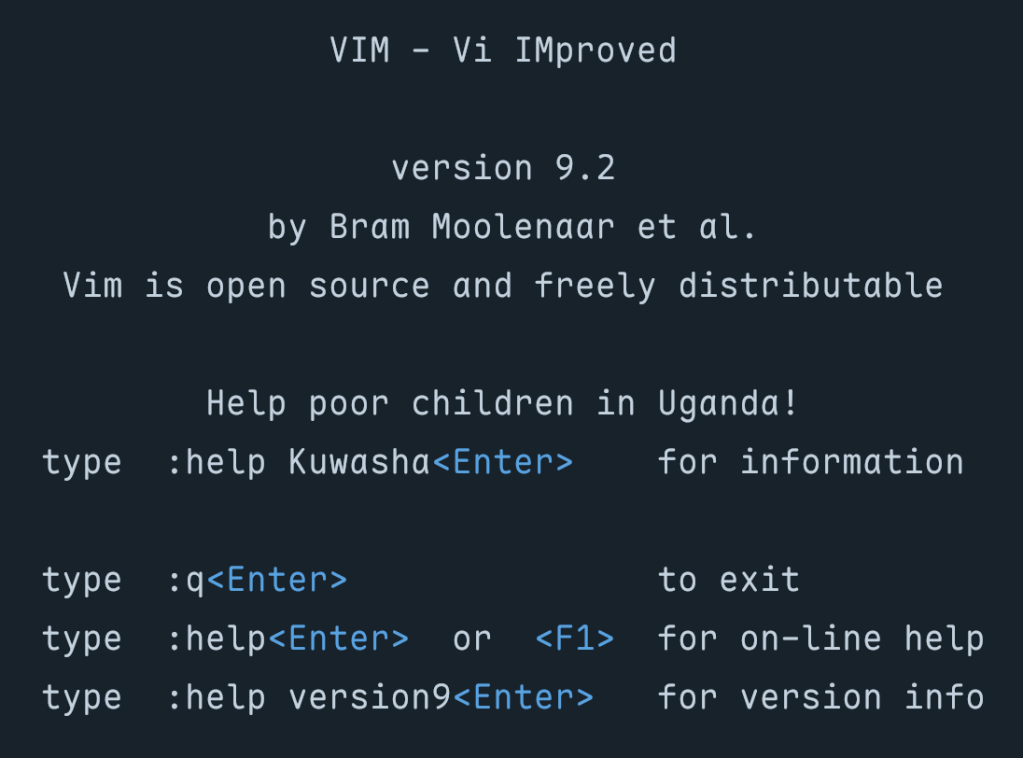
Vim 9.2 arrived about two years after the 9.1 release, and it’s jam packed with practical improvements that impact nearly every part of the editor. This release delivers a mind-bendingly broad set of enhancements to scripting, completion, diff mode, platform support, and the UX/UI. We’ll start with scripting.
Our wee Vim9 script done gone and growed all up! This new scripting language was introduced back in Vim 9.0 as a faster, more modern alternative to legacy Vimscript, and the language now supports enums, letting us define named sets of constants the way we’d would in most typed languages. Generic functions have arrived as well, so we can write reusable code that operates on different types without losing compile-time safety (how many editors can say they care about “compile-time safety” for their own editor components?). And there’s a new tuple data type for when we need a lightweight, ordered collection that’s distinct from a list.
Class support has improved too, and built-in functions can be called as object methods, which makes Vim9 script code read more naturally. The maturity of these features is starting to show in real projects, too. Contributor Yegappan Lakshmanan built four semi-complex games entirely in Vim9 script to showcase these constructs:
- Battleship – a complete implementation of the classic naval strategy game, using classes and type aliases
- Snake – the arcade classic running in a popup window, where the snake must eat numbers 1 through 9 in order
- Number Puzzle – a sliding tile puzzle demonstrating interactive plugin development with modern Vim9 constructs
- Sudoku – yes, Sudoku in your terminal text editor
All four were generated using (ugh) GitHub Copilot (scroll to the bottom of the README), which itself speaks to how legible and well-structured Vim9 script has become. If “AI” tooling can produce functional game code in a scripting language, the syntax is probably in a good place. (“AI” Vegans: don’t @ me.)
Insert-mode completion has been a useful but sometimes limited feature in Vim for a long time, and Vim 9.2 makes it substantially more capable. They’ve added support for fuzzy matching during insert-mode completion. Instead of requiring an exact prefix match, the completion engine now considers fuzzy matches, which means we can type a rough approximation of a symbol name and still get useful suggestions. This brings Vim closer to the completion behavior folks have come to expect from dedicated language servers and IDE-style plugins, without requiring any external tooling.
We can now also complete words directly from registers using CTRL-X CTRL-R, so if, say, we’ve yanked something useful, we can pull it into our completion candidates without leaving insert mode.
The release notes include detailed Vim9 script examples showing how to build auto-completion, live grep, fuzzy file finding, and command-line auto-completion using just the built-in APIs. No plugins required.
Several defaults have been modernized to match what most folks were already setting manually in their vimrc files. 'history' jumps from 50 to 200, giving us more command and search history without any configuration. 'backspace' now defaults to "indent,eol,start", which means backspace works the way virtually everyone expects it to in insert mode. 'ruler' and 'showcmd' are now on by default, so cursor position and partial command display are visible without opting in.
These changes have been removed from defaults.vim since they’re now baked into Vim itself. If you had them in your vimrc because defaults.vim was handling them, you can clean up a few lines.
Vim 9.2 also introduces a vertical tabpanel as an alternative, providing a sidebar-style list of tabs, which is easier to scan when we have many open. This won’t replace well-established statusline plugins for people who depend on rich metadata in their tab display, but as a built-in option it’s a sensible addition.
There’s tons more to explore in the release notes and app.
fresh
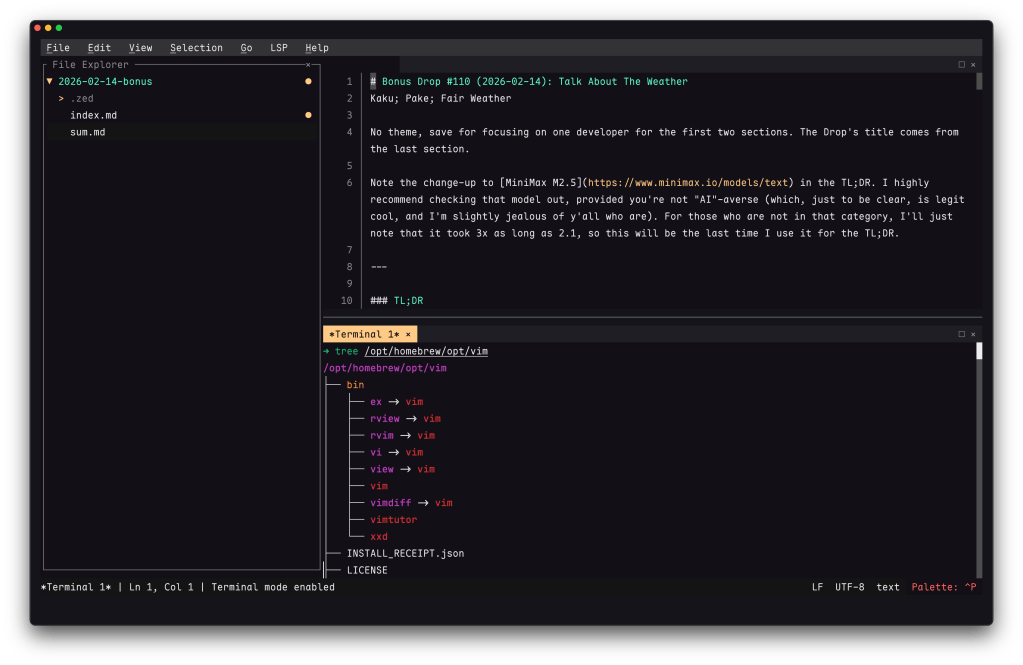
I held off introducing this editor after it was initially released a bit ago and hadn’t really played with it enough to get a good feel for it. I recently did scrounge some time to see if this was worth keeping around and updated (it is!), so it’s time to take a look at Fresh (GH).
Most terminal editor conversations start and end with the same question: vim or $SOME_OTHER_SERIOUSLY_WRONG_CHOICE? (Or, more recently, as we’ve showcased in the Drop since 2022, neovim or helix?) Noam Lewis’s Fresh sidesteps that debate entirely. It’s a Rust-built terminal editor designed around a premise your terminal editor should work like every other text editor you’ve ever used. That means it uses standard keybindings, has solid mouse support, sports a useful command palette, incorporates a menu bar, and permabans modal editing by default.
That is a solid UX pitch, but after using Sublime Text for so long (and, now, Zed), Fresh’s take on session persistence could just have me forgo the Vim 9.2 update. It supports tmux-like detach/reattach natively — fresh -a reconnects to a running session that survives terminal disconnections, SSH drops, and restarts. You can push files into a running session from external tools. If you’ve ever maintained a tmux config primarily so your editor survives a dropped connection, this collapses that entire layer into the editor itself.
Rust developers (as a whole) seem to come at problem-solving with very modern approaches, and this seems true for Fresh, too. It uses a lazy-loading piece tree for buffer management (i.e., it reads only the file chunks needed for whatever you’re interacting with, rather than loading everything into RAM). That architecture lets it handle files over 10 GB (confirmed, albeit w/a 4.3 GB file) with negligible memory overhead (startup time and input latency are equally impressively fast).
Feature coverage is dense for what’s essentially a single-human project. There’s full LSP (language server protocl) integration (go-to-definition, hover docs, diagnostics, code actions, autocompletion, format-on-save), a TypeScript plugin system running in sandboxed QuickJS (this is such a handy project that’s being embedded in everything making for a nice target for a supply chain attack) with OXC for fast compilation, a built-in package manager, robust split panes, an integrated terminal emulator, git gutter indicators (and log viewer), markdown preview, side-by-side diff, and ripgrep search. (I’m tired after typing that and re-reading it; the editor is really impressive). SSH remote editing with password/key auth and sudo save pushes it into territory usually occupied by Zed’s excellent remote SSH feature.
After spending some time with it, the low-friction onboarding is kind of what truly won me over. There are no config file rabbit holes and no keybinding memorization phase. I just opened it and started editing Saturday’s Drop.
If you like helix but would also like even more of an IDE feel, def give this a go.
Setting Up Zed
I’m a yuge Zed fanboi (shocker), and have been with it from the early days, so I’m super-biased at how good it is.
Take a look at liam’s intiial Zed experience for a newcomers perspective.
FIN
Remember, you can follow and interact with the full text of The Daily Drop’s free posts on:
- Mastodon via
@dailydrop.hrbrmstr.dev@dailydrop.hrbrmstr.dev - Bluesky via
<https://bsky.app/profile/dailydrop.hrbrmstr.dev.web.brid.gy>
☮️
 hrbrmstr's Daily Drop
Leave a comment