committed; sq; CSVs Are Kinda Bad
Three data-focused resources are on tap for this fine Thursday!
TL;DR
(This is an AI-generated summary of today’s Drop using Sonnet via Perplexity.)
committed: A utility for monitoring GitHub repository changes via Atom feeds, available in Bash and Go versions (https://codeberg.org/hrbrmstr/committed)sq: A versatile command-line tool for data wrangling and querying across various structured data sources, combining SQL functionality with jq-like querying (https://sq.io/)- CSVs Are Kinda Bad: A proposal to replace CSV with DSV (Delimiter-Separated Values) using ASCII separator characters, improving data handling and parsing (https://matthodges.com/posts/2024-08-12-csv-bad-dsv-good/)
committed

Longtime Drop readers may remember that I moved to Codeberg for all my public/social coding development/projects. However, my workplace still makes heavy use of GitHub, and a number of projects I rely on both inside and outside the work context are firmly entrenched in Microsoft’s horrid ecosystem.
Some of said reliant repos are ones that use GitHub and GitHub actions as a means to maintain a dataset, like my one that archives CISA’s KEV catalog. That particular repo is kind enough to have an associated GitHub repo website that makes the datasets available directly via a web request. The ones that do not forces the need to pull the latest changes. Writing a scheduled job to just pull a repo regularly and git diff what’s changed is somewhat wasteful of resources, and may not be run frequently enough to catch critical repo updates.
Thankfully GitHub provides Atom feeds for all sorts of elements in its ecosystem.
There are Atom feeds for:
- issues (
https://github.com/{owner}/{repo}/issues.atom) - releases (
https://github.com/{owner}/{repo}/releases.atom) - users (
https://github.com/{username}.atom)
and more, including commits (https://github.com/{owner}/{repo}/commits/{branch}.atom). So, my KEV one would bd https://github.com/hrbrmstr/cisa-known-exploited-vulns/commits.atom.
Since polling these Atom feeds are far less bandwidth intensive, we can poll them pretty frequently from an external system, then check to see if the latest commit is different than the last one we pulled, and have that trigger an action.
There are absolutely systems and frameworks that can help with such an idiom, but I threw together a small utility I dubbed committed that is super focused on this singular task and strives to be as easy to use as possible (this, along with work and personal committments are the reason for no Drop yesterday).
There are two versons of committed in that Codeberg repo:
committed.shis a pure Bash script that relies on the availablilty ofcurlandsedto accomplish the above task- there’s also a small Golang CLI in the repo meant more to be a starting point to expand upon in the event you have more programmatic-intensive actions to perform on a repo change and do not want to rely on adding third-party shell utilities/commands (especially handy for a lambda function so you can just ship a single compiled binary vs. all those deps).
Just supply:
- a commit hash cache file
- an Atom feed URL
- path to a command to run
to either version of committed, and let it do its thing.
On first run, it will just cache the latest commit hash, so you should seed said cache with garbage if you want it to do something on that first run. Here’s a toy example for that:
# seed the cache
tmpCache=$(mktemp)
echo "${RANDOM}" > "${tmpCache}"

committed.sh "${tmpCache}" "https://github.com/trickest/cve/commits.atom" fortune

# OR, for the Go version

commited -last-commit "${tmpCache}" -feed-url "https://github.com/trickest/cve/commits.atom" -execute fortune
It’s MIT licensed so go bonkers with it, and please ignore/forgive the terrible sed regex hack I made to avoid reliance on a third-party XML tool.
sq
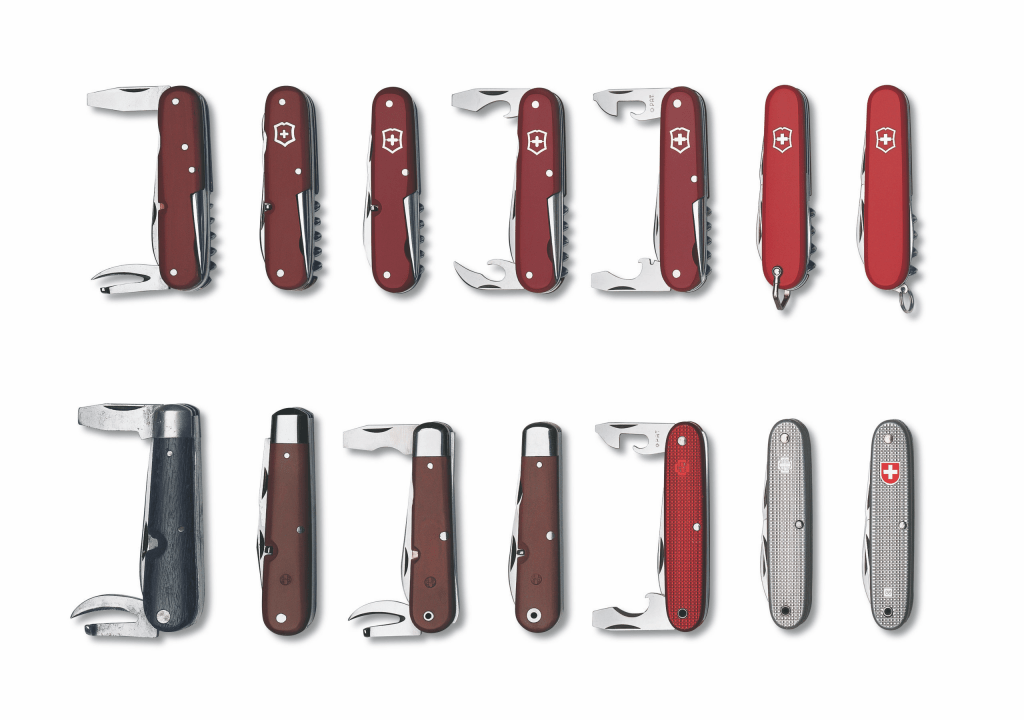
sq (GH) is a fairly new-ish command-line tool engineered for data wrangling and querying across a diverse array of structured data sources. It seamlessly integrates SQL database functionality with jq-like querying capabilities, and serves as a kind of “Swiss Army Knife” for data manipulation and analysis. A short, one-line descriptions might be “jq for SQL sources”, but that’s not doing it justice.
Along with the superpower of letting folks use familiar jq syntax for queries, sq helps unity multi-source querying across many data sources, including SQL databases such as SQLite, PostgreSQL, MySQL, and SQL Server, while also handling document formats like CSV, Excel, and JSON.
This tool makes it dead simple to handle cross-source joins (something I really like[d] about Apache Drill, and do like about duckd). This lets us, say, merge an Excel worksheet with a PostgreSQL table (which should really be illegal, and probably is in Florida). It’s fairly diverse on the output side as well, with support for multiple formats, including JSON, CSV, Excel, HTML, Markdown, and XML (that last one should also be illegal in 2024).
It’s not just a query tool, too, as it also lets us perform direct data insertion into database tables.
sq also has inspection and diffing commands that enable comparing data across sources or tables. And, it’s even a lightweight database admin tool, letting us perform management tasks like copying, truncating, and dropping tables.
This is the commands overview:
add: Add data sourcesrc: Get or set active data sourcegroup: Get or set active groupls: List sources and groupsmv: Move/rename sources and groupsrm: Remove data source or groupinspect: Inspect data source schema and statsping: Ping data sourcessql: Execute DB-native SQL query or statementtbl: Useful table actions (copy, truncate, drop)db: Useful database actionsdiff: BETA: Compare sources, or tablesdriver: Manage driversconfig: Manage configcache: Manage cache
Here’s a short example, but the documentation site and GitHub are extremely well-documented, with plenty more examples, tutorials, and cookbook items to peruse:
$ curl --silent --fail --output inthewild.db "https://pub-4c1eae2a180542b19ea7c88f1e4ccf07.r2.dev/inthewild.db"

$ sq add ./inthewild.db --handle @itw
@itw  sqlite3  inthewild.db

$ sq inspect @itw
SOURCE  DRIVER   NAME          FQ NAME            SIZE     TABLES  VIEWS  LOCATION
@itw    sqlite3  inthewild.db  inthewild.db.main  130.7MB  4       0      sqlite3:///Users/hrbrmstr/projects/sq/inthewild.db

NAME              TYPE   ROWS    COLS
_litestream_lock  table  0       id
_litestream_seq   table  1       id, seq
exploits          table  99990   id, referenceURL, timeStamp, source, type
vulns             table  260013  id, referenceURL, description, lastUpdated

$ sq --src @itw sql "SELECT id, lastUpdated FROM vulns LIMIT 5"
id             lastUpdated
CVE-1999-0001  2010-12-16
CVE-1999-0002  2009-01-26
CVE-1999-0003  2018-10-30
CVE-1999-0004  2018-10-12
CVE-1999-0005  2008-09-09

$ sq --json --src @itw '.vulns | where(.id == "CVE-2021-44228") | .description'
[
  {
    "description": "Apache Log4j2 2.0-beta9 through 2.15.0…"
  }
]
Having just said many nice thing about this tool, the sweet spot for it seems to be letting folks who prefer jq syntax over SQL use jq syntax on SQL data sources. I still prefer SQL over any other query language, so I’ll be sticking with duckdb, which has all of the other superpowers wrapped in an ALL CAPS (not really necessary) relational algebra.
Oh, and the shell completions sq installs are some of the best I’ve ever seen. Check it out just for those.
CSVs Are Kinda Bad

Super quick section!
Matt Hodges makes a case for abandoning the venerable CSV format in favor of substituting out commas (or tabs/pipes/etc) for ASCII separator characters, which are:
- ␜ File separator character: separates logical records
- ␝ Group separator character: separates fields
- ␞ Record separator character: separates repeated subfields
- ␟ Unit separator character: separates information items
It’s a good read that also shows how to make a basic Python package.
I think it’s kind of a shame we also don’t see more use of these ASCII characters in other contexts. In particular, I kind of wish there was more json-seq out there.
FIN
Remember, you can follow and interact with the full text of The Daily Drop’s free posts on Mastodon via @dailydrop.hrbrmstr.dev@dailydrop.hrbrmstr.dev ☮️
 hrbrmstr's Daily Drop
Leave a comment