A Millennia Of Descending Into AI; The Evolution of Figma Sans; Featured (Free) Font: LK BULLTOZ
The evolution of typography spans centuries of human creativity, from illuminated manuscripts to modern digital design. Today we’re exploring three items in our typography-centric edition of the Drop: Gwern Branwen’s innovative AI-generated drop caps, Figma’s journey in creating their signature typeface, and a powerful new display font that’s catching attention.
TL;DR
(Today’s summary was lovingly hand-crafted by yours truly after three failed AI summary attempts.)
- A Millenia Of Descending Into AI (https://gwern.net/dropcap) – Gwern Branwen discusses novel approaches to drop cap design using AI.
- The Evolution of Figma Sans (https://www.figma.com/blog/the-story-of-creating-figma-sans/) – The folks at Figma peel back the curtain on the design process used to create their innovative and signature variable font.
- Featured (Free) Font: LK BULLTOZ (https://payhip.com/b/sohpa) – LK BULLTOZ is a versatile display typeface characterized by its thick design, suitable for creating impactful headlines and strong branding materials.
A Millennia Of Descending Into AI

I fully appreciate a well-crafted, artisanal drop cap, especially in print media. There’s something about the heralding of the content to follow that adds an air of importance to even (or, especially?) a fictional tome.
Drop caps have a rich history spanning over a millennium of typography and book design. Their use originated in medieval manuscripts during the 7th century (CE); and, these illuminated initials served a crucial practical purpose: helping readers find their place in documents that lacked modern conventions like paragraphs, punctuation, and word spacing.
Medieval scribes would carefully render initial capitals in gold leaf within monasteries’ scriptoriums (such a cool word!). The Book of Kells and Book of Hours represent exquisite examples of hand-drawn initial caps in historical documents.
As the tradecraft of typography evolved, the tradition of decorative initials continued into the age of Gutenberg’s invention of movable type. Rather than hand-illustrating each capital, printers carved decorative letters into wood blocks that could be locked into the press alongside metal type.
During the 15th-18th centuries, illustrated woodcut initial caps became both fashionable and functional. Between 1470 and 1710, intricate hand-carved wood type initials were produced across Europe. These letters often contained rich symbolic imagery including mythical beasts, saints, devils, and human figures.
Drop caps abound in digitized typesetting, with every decent publishing program providing support for either basic ones (i.e., “just” enlarding and extending below the baseline a letter in the same font as the prose) or intricate ones made in a graphics program.
Of course, our AI overlords have, now, invaded this hallowed space, and I recently came across a year-old post detailing Gwern Branwen’s extensive work with AI-generated drop caps designed specifically to support use in HTML.
The creation of web-compatible drop caps presents several unique challenges. Browser positioning inconsistencies require careful CSS implementation, while file size concerns necessitate strategic approaches like font subsetting (i.e., reducing megabyte-sized font files to mere kilobytes by splitting them into individual letter files).
Using Midjourney v5 and DALL-E 3, Branwen developed specialized workflows for generating custom drop caps. The process involves careful prompting and curation, with success rates heavily dependent on the specific letters being generated. Some letters, particularly ‘I’ and ‘T’, proved especially challenging due to the AI’s tendency to conflate similar letterforms.
The project introduced several novel approaches:
- The “dropcat” (🐈) set: A collection of cat-themed drop caps using PNG format, featuring both light and dark mode variants
- Vector-based workflow: Using tools like Recraft.ai for vectorization, allowing easier background removal and positioning
- Dropcap Workshop: A specialized editor for adjusting SVG drop caps efficiently
I would rather not steal any more of Gwern’s thunder, and the post is both exquisitely crafted and a visual delight. So, I urge readers to sit back with your fav beverage and pore over the post. It will be both informative and a lovely distraction in these times fraught with peril.
The Evolution of Figma Sans
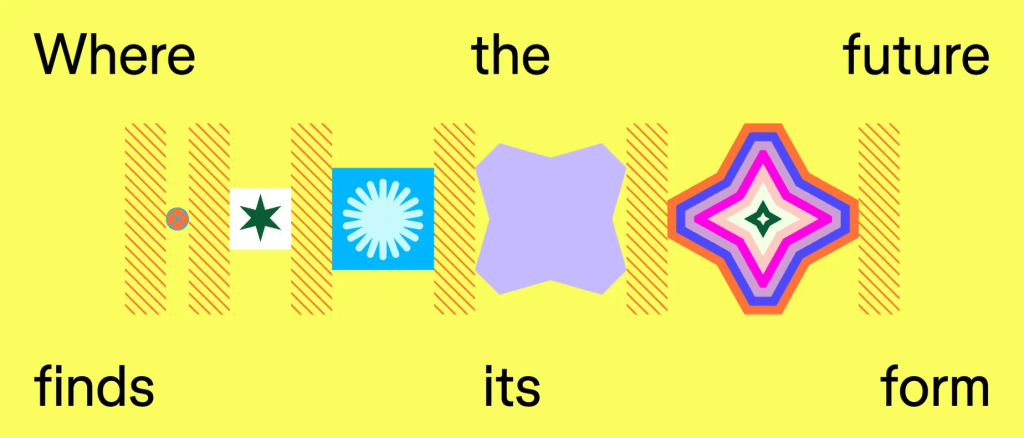
Figma recently undertook a comprehensive brand refresh, with their new custom typeface Figma Sans serving as a cornerstone of their updated visual identity. Created in partnership with Grilli Type, a Swiss-American type foundry, this new typeface represents a significant shift from their previous typeface, Whyte. They did a deep dive about it in “Just our type: The story of creating Figma Sans” (which you should feel empowered to just read direct vs. peruse my blatherings about it, below).
The development focused on creating a contemporary grotesque typeface that would harmonize with Figma’s expanded “brand vision”. The typeface needed to balance functionality with character, serving both display and body text purposes while maintaining legibility across various scenarios.
Figma Sans is implemented as a variable font system comprising multiple families:
- Figma Sans Text
- Figma Sans Display
- Figma Sans Condensed Text
- Figma Sans Condensed Display
- Figma Sans Mono
Each family includes light, regular, medium, bold, heavy, black, and oblique variations.
The typeface exhibits several distinctive features. The uppercase letters are intentionally designed wider than usual. The lowercase ‘i’ notably features a rectangular dot rather than the conventional round dot, avoiding the typical tech company tendency toward overtly friendly design elements.
As a variable font, Figma Sans provides sophisticated control over weight and width along variable axes. It incorporates optical sizing that automatically adjusts letter appearance based on scale — more open at smaller sizes and tighter at larger sizes. This adaptability extends to supporting multiple languages, with the ability to adjust width in translated text to maintain consistent typography across different writing systems.
The wordmark development process was deliberately practical. Rather than creating heavily stylized variations, the team opted to refine the basic typeface to optimize the word “Figma.” This included careful adjustments to letter spacing and width, particularly in the ‘m’ character, to achieve balanced proportions.
The final production phase, which they likened to music mastering by Thierry Blancpain, involved meticulous refinement of letterforms, symbols, accents, and spacing. The team implemented sophisticated and clever OpenType programming to handle dynamic features like arbitrary fractions, ensuring the typeface functions as modern, flexible software.
The result is a typeface that successfully balances functionality with character, serving Figma’s expanded user base while maintaining a distinct identity. It represents a significant evolution in Figma’s visual language, supporting their growth from a design tool to a comprehensive platform for product creators.
If you did read this first, I do hope y’all head on over to their site, as it goes into much more detail. Plus, you may get some web development inspiration from their equally intricately designed post.
Featured (Free) Font: LK BULLTOZ

LK BULLTOZ is a versatile display typeface characterized by its thick, and (dare I say) robust design. The font family has sturdy letterforms and includes eight distinct width weights and styles. It is particularly well-suited for creating impactful headlines and strong branding materials; or, where you want to emphasize visual prominence of some piece of text.
The font is available as a free download, offered under a “pay what you want” model.
FIN
Remember, you can follow and interact with the full text of The Daily Drop’s free posts on Mastodon via @dailydrop.hrbrmstr.dev@dailydrop.hrbrmstr.dev ☮️
 hrbrmstr's Daily Drop
Leave a comment